See  who visits.Know
  who pays.
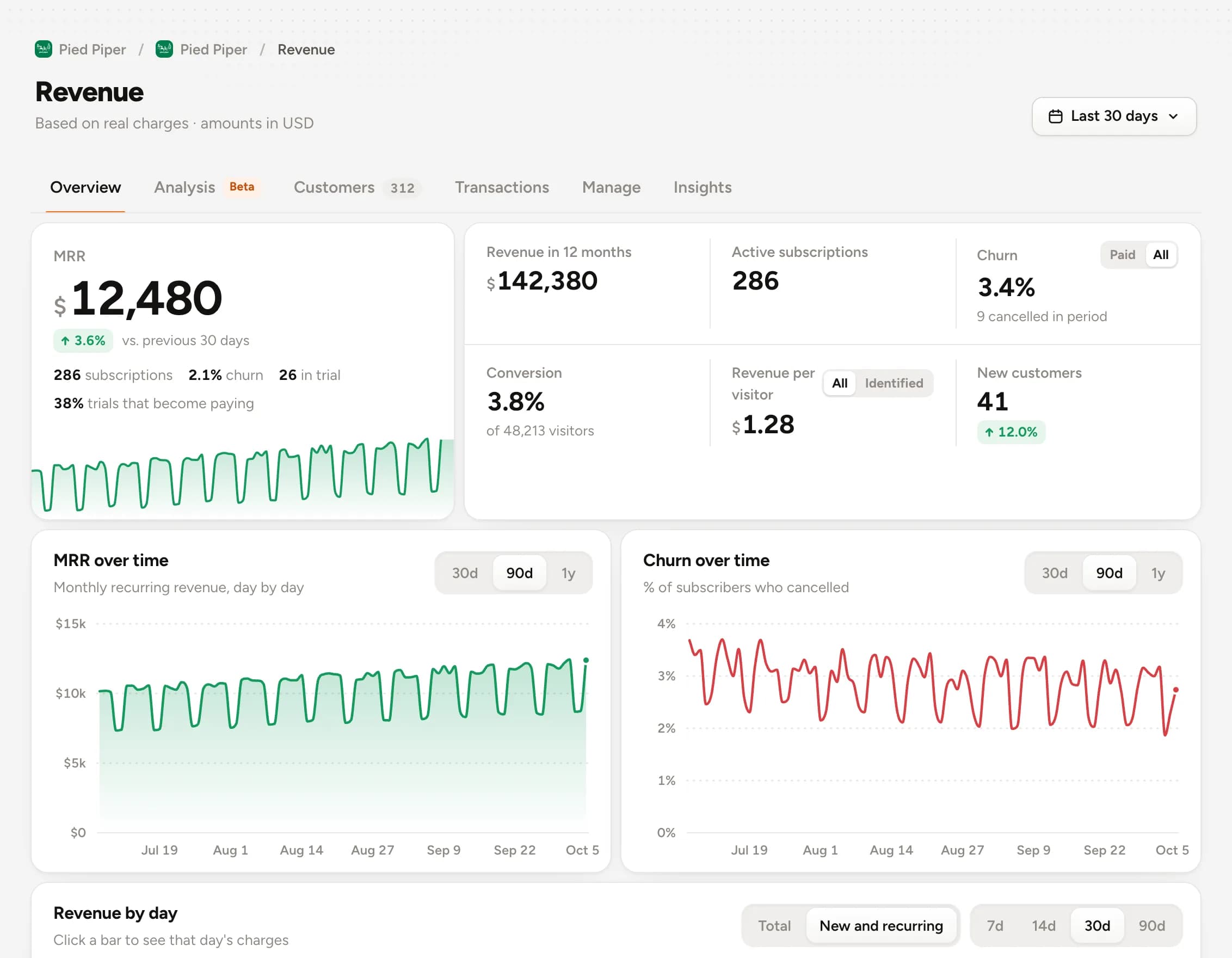
Himetrica ties every person on your site or app to revenue: where they came from, what they did in your product and how much they paid. Installs with one line, or ask your AI agent.
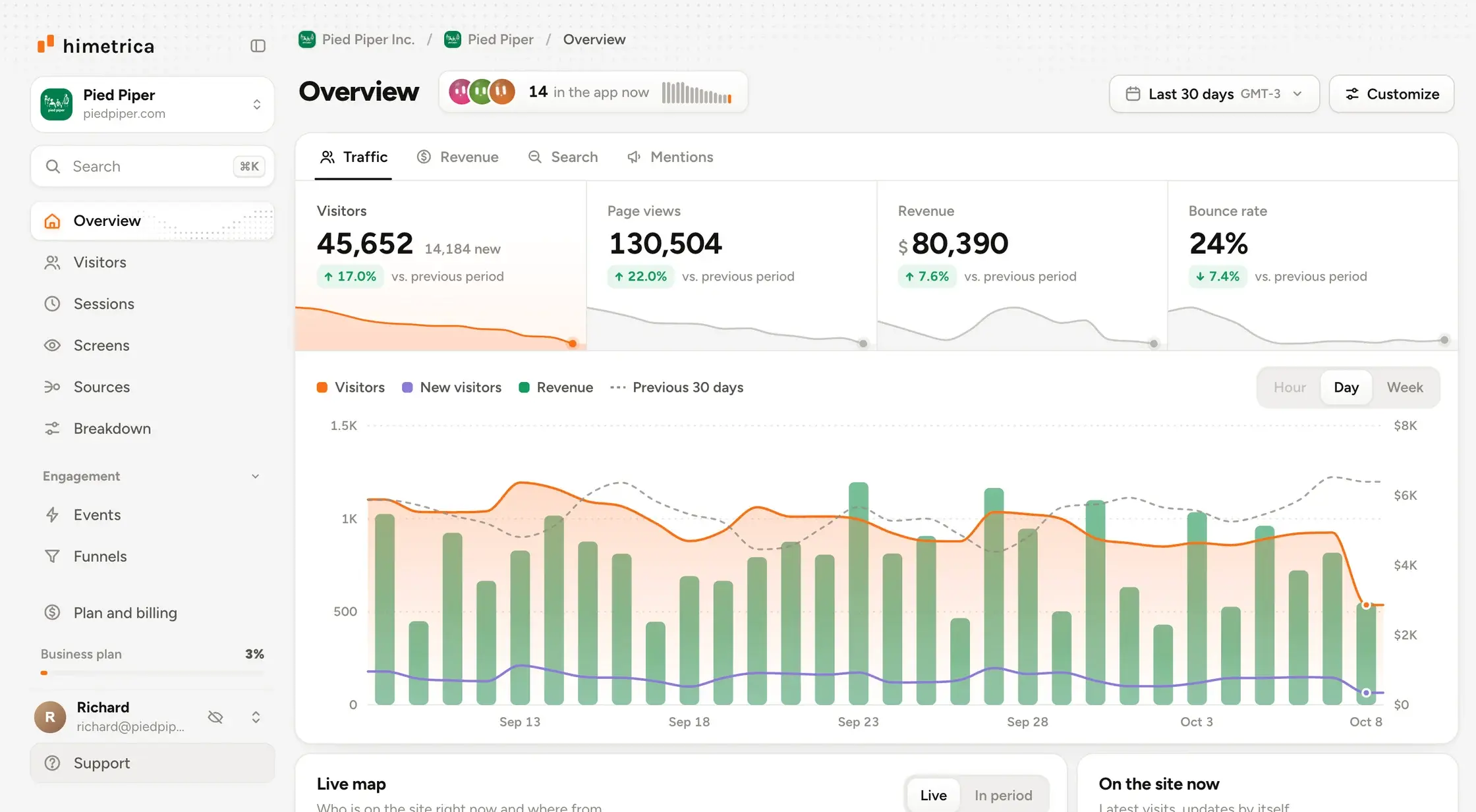





 himetrica · get_revenue
Measures your app too.
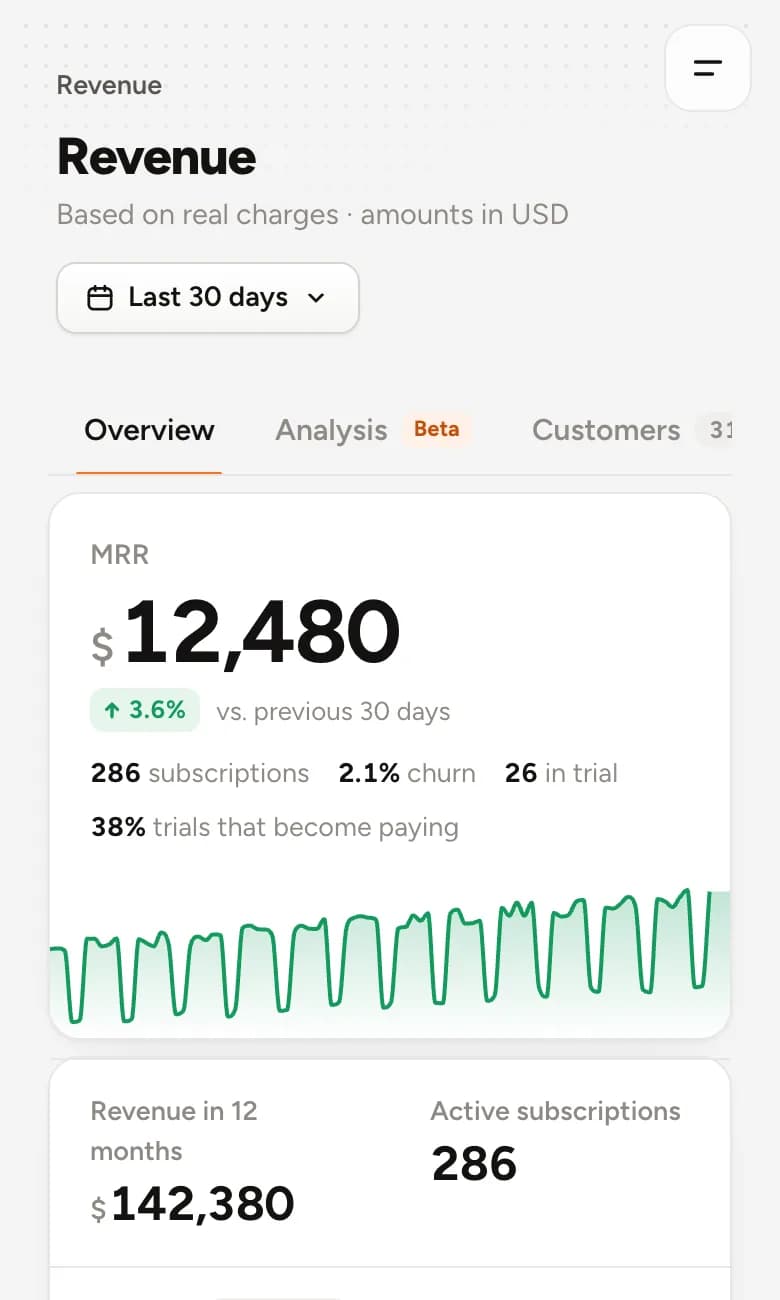
iOS, Android and React Native in the same dashboard as your site: who opened it, what they did on each screen and who subscribed through the App Store or Google Play.
Two lines and your app shows up.
Configure with the project key and screens start arriving. Works offline: events wait for the connection to come back.
import Himetrica

// in your App's init
Himetrica.configure(apiKey: "hm_pk_…")

// on each screen
HomeView().trackScreen("Home")
Signups go up. Paying customers don't. 
You launch, you get a spike, and you keep refreshing the dashboard. The free tier fills up and MRR doesn't move.
You're not bad with data. Your analytics was built for someone else.
The usual analytics tools were designed for marketing teams: visits, bounce, sessions. But you don't have a website, you have a product, and a product is measured by people who activate and people who pay.
"Asking your analytics where signups leak is like asking your speedometer where you're headed."
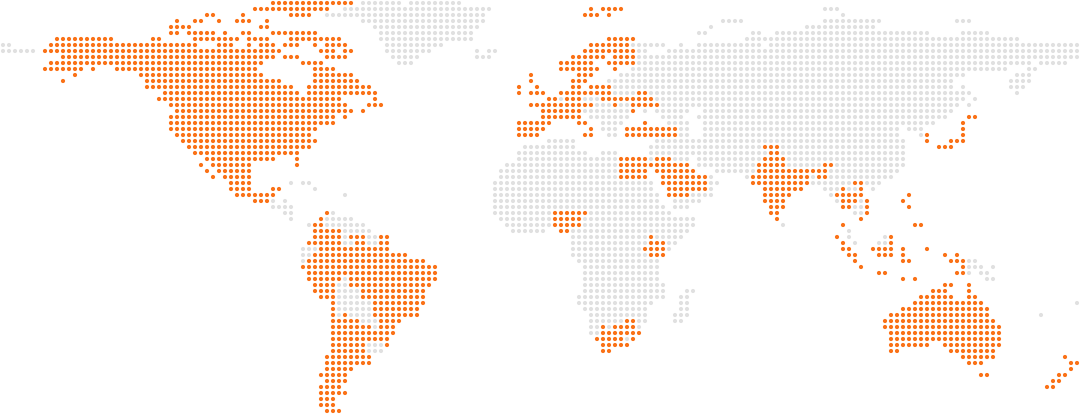
People building on the internet, all over the world.
From SaaS to mobile apps, builders in many countries use Himetrica to see who visits and who pays.
Behind every signup there's a person. Now you can see them. 
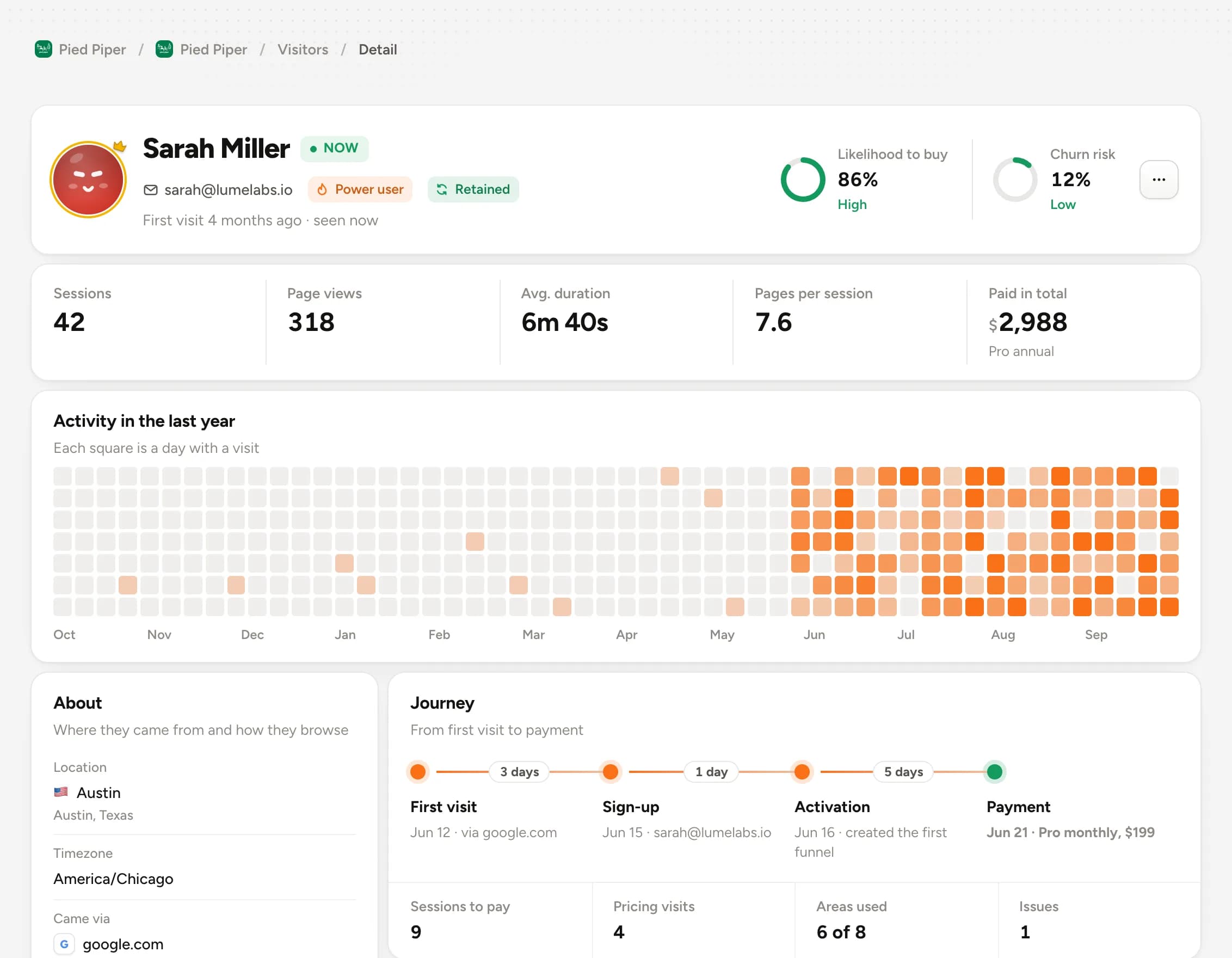
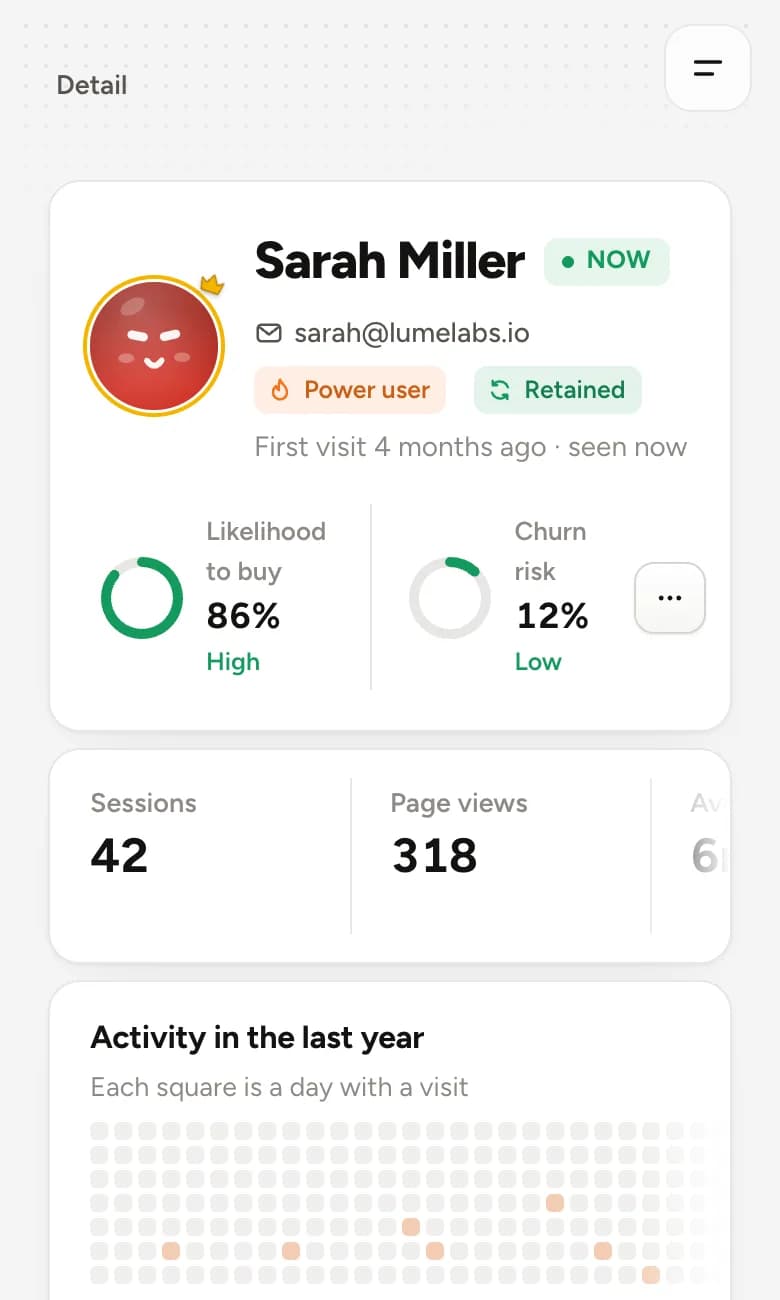
Instead of a number that goes up and disappears, every signup becomes a timeline: where they came from, every screen they opened, which step they stopped at.
- A timeline for every visitor
- The source of every signup
- The step where each one got stuck
Which of them will pay? Now you know.
Connect your read-only Stripe key and every dollar of revenue sticks to the person and their behavior. MRR, churn and revenue per customer, tied to the whole journey.
- Revenue per person
- Real MRR and churn
- Who came in and who pays
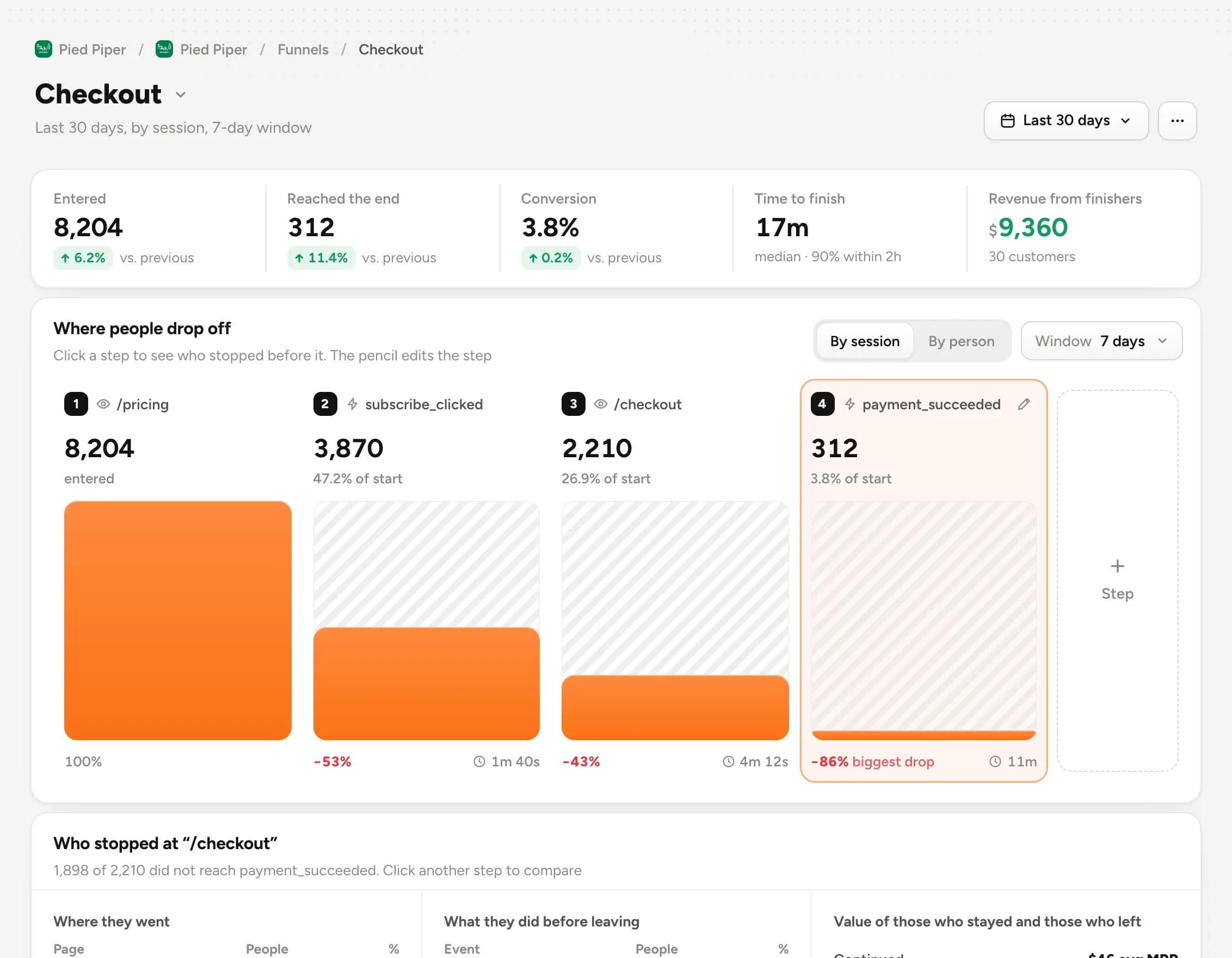
See the exact step where signups die. 
Build a funnel from the pages and events that matter and see how many get through each step. Click a step and see who got stuck, with name and source.
- Funnels from pages and events
- Who got stuck at each step
- Conversion by source channel
You're a builder, not an analyst. And you get to stay one. 
No reports to put together on a Sunday. Visitors arrive already tagged by lifecycle stage, and you just ask in plain English.
Start without becoming an analyst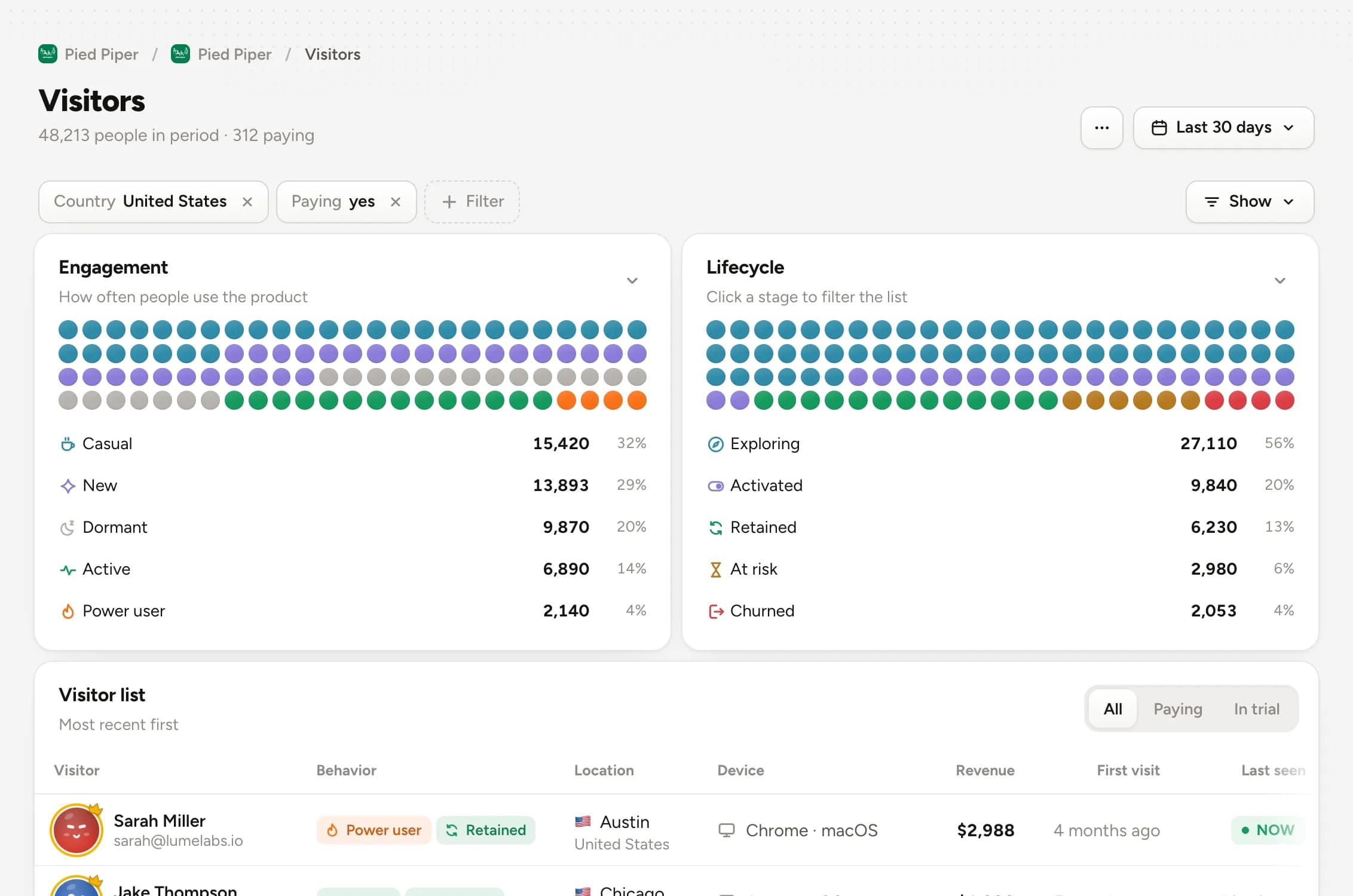
Simple pricing. No surprises.
Cancel anytime. No questions asked.
To get started:
Limits
- 2 projects
- 2 team members
- 10K page views a month
- 50K events a month
- 6 months of history
Tools
- Live visitors
- 5K errors a month
- MCP and API
Everything in MVP, and:
Limits
- 5 projects
- 5 team members
- 600K page views a month
- 3M events a month
Revenue
- Revenue by channel
- Ideal customer
- Premium integrations
Tools
- 1K session recordings a month
- 50K errors a month
- Web Vitals and monitoring
- Reports
Everything in Starter, and:
Limits
- 10 projects
- 8 team members
- 2.5M page views a month
- 12.5M events a month
AI
- AI analysis of revenue, sources and visitors
- Revenue forecast
- Brand mentions on social
Tools
- 10K session recordings a month
- 250K errors a month
Everything in Pro, and:
Limits
- 20 projects
- Unlimited team
- 10M page views a month
- 50M events a month
- 12 months of history
Tools
- 50K session recordings a month
- 1M errors a month
From Starter up, also: Web Vitals, uptime monitoring, email reports, ideal customer profile and premium integrations.
Need more? The Scale plan is available after you sign up.
Questions? Answers. 
Didn't find it? Talk to us in the chat.
Does it work with iOS and Android apps?
Yes. There are native SDKs for iOS (Swift), Android (Kotlin) and React Native. The dashboard shows screens, events, people and, with RevenueCat or Qonversion, App Store and Google Play revenue.
How does visitor tracking work?
Each visitor is identified in the browser and every session is kept separate. To follow the same person across subdomains, turn on the cookie domain in settings.
Which frameworks and platforms are supported?
Any site with a tag in the head, an npm package with hooks for React and Next.js, and SDKs for React Native, Swift and Android.
What can I see in the dashboard?
Live visitors, a profile for every visitor with their session history, sources with UTM, funnels, events, revenue and ROI by channel.
How does the Stripe integration work?
You create a read-only key and paste it into settings. Himetrica syncs customers, subscriptions and charges and ties each one to a visitor.
How do you handle bots?
Bot detection runs on every event, and you can also block specific IPs, emails or visitors.
Can I use it alongside another analytics tool?
Yes. The scripts don't conflict, so you can run both while you compare.

One tag, two minutes,and the leak shows up.
Paste one script into your app and you're done. Within minutes you see the first profiles coming in live.
Start freeFree trial · Cancel anytime · Installs in 2 minutes